




Upload a reference
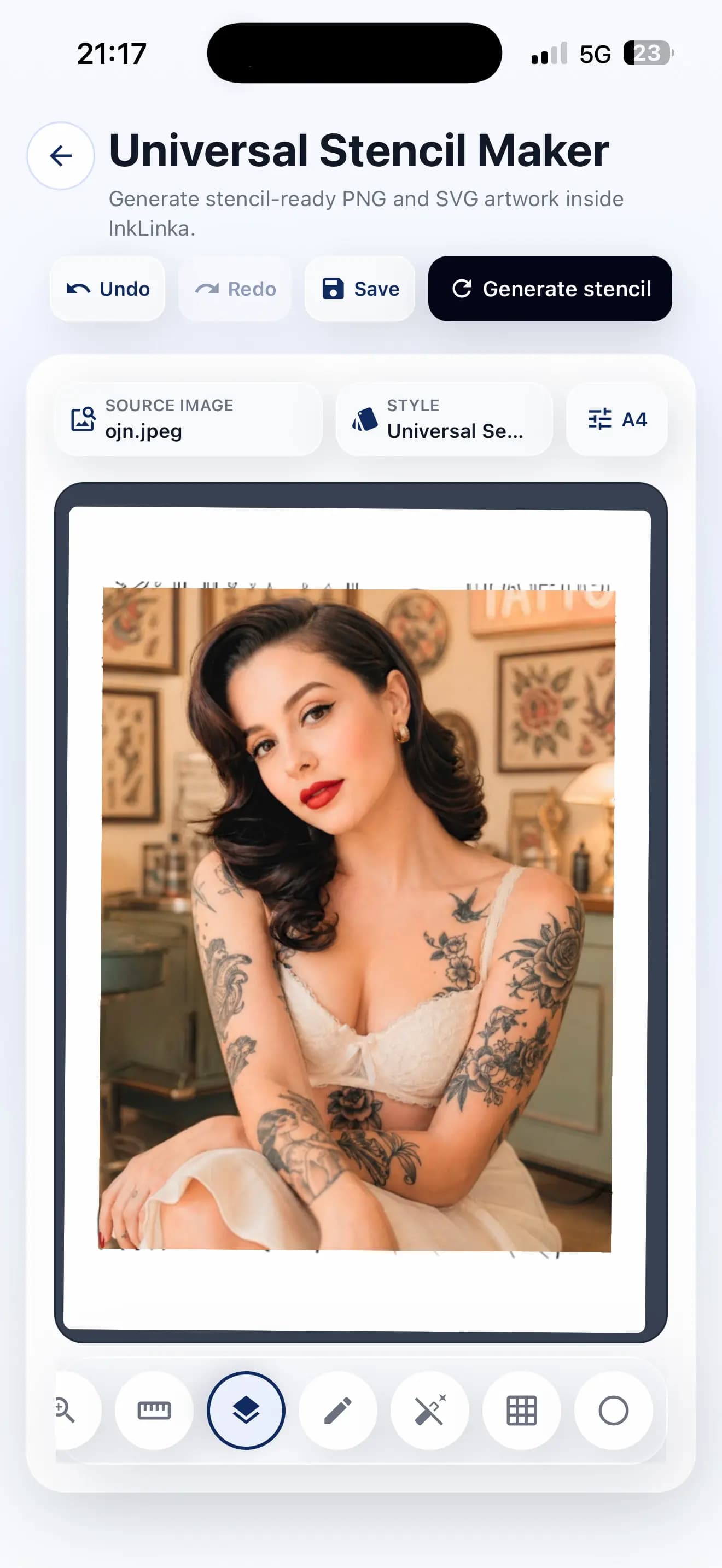
Add a portrait, flash sketch, ornament, symbol, object or client inspiration image.
Universal Stencil Maker
Turn reference ideas into clean stencil-ready drafts, compare linework options and prepare a clearer starting point before the appointment.
Universal stencil workflow
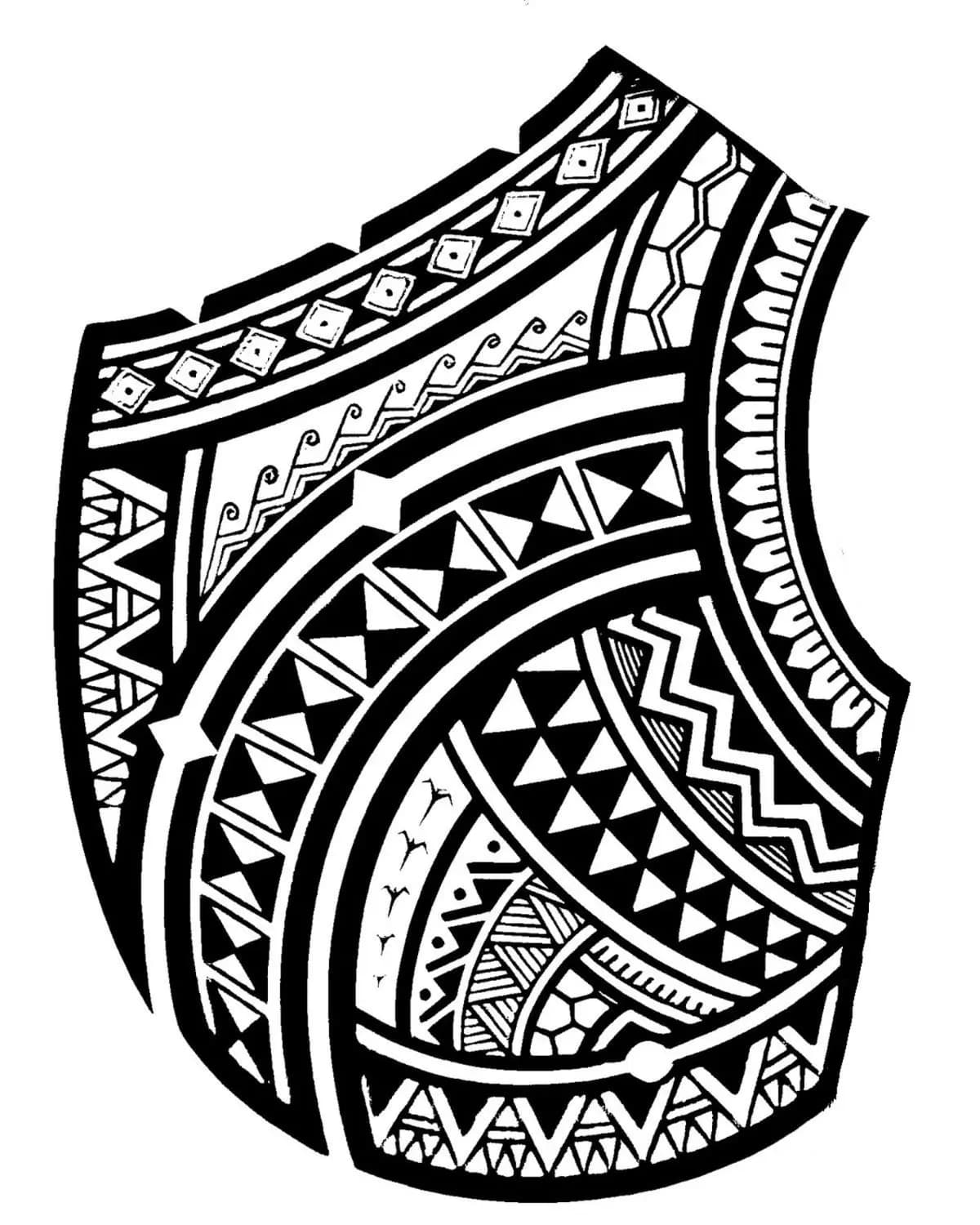
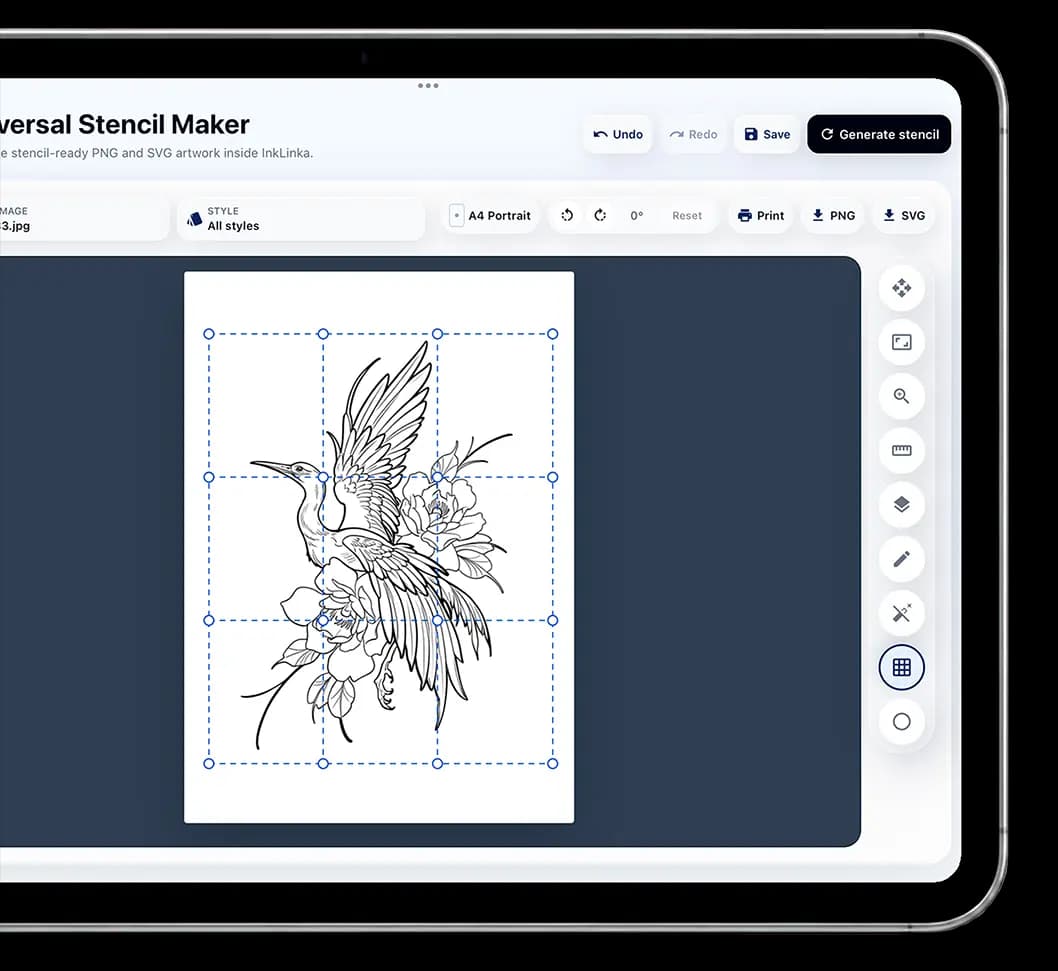
Universal Stencil Maker is built for simple ornaments, Polynesian work, lettering, graphics and realistic references. The non-AI mode handles simple stencil preparation without limits, while AI-assisted options understand design structure, details and shadows for cleaner, higher-quality results. Create stencils comfortably on a phone, print immediately, or save the result in session history so it can be reused later without generating it again.
Artist-first workflow
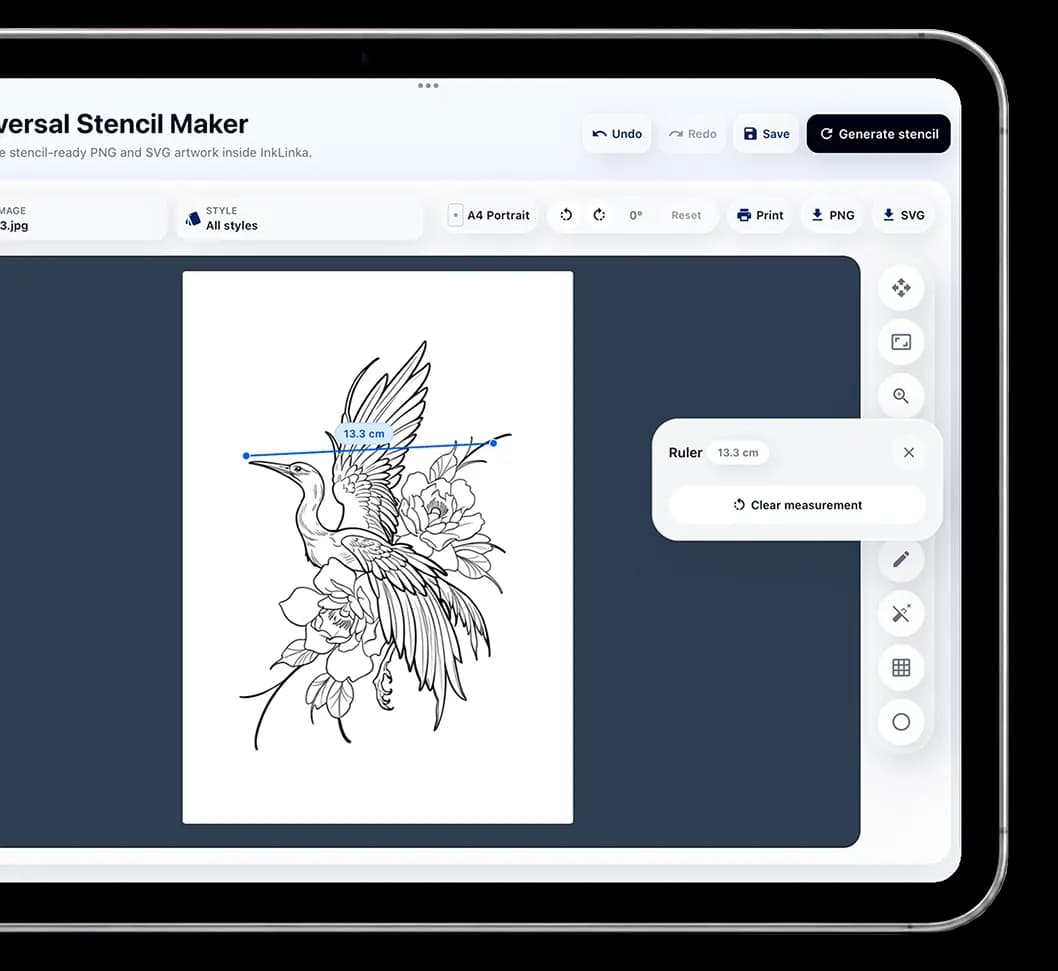
Universal Stencil Maker is positioned as a practical studio assistant: the artist can redraw lines, adjust forms, and set the design or stencil to an exact millimeter size before prep. It is made for everyday work, with tools that help the stencil fit your approach, reduce repetitive steps and save time you can use for clients, planning or rest.
Simple AI stencil workflow
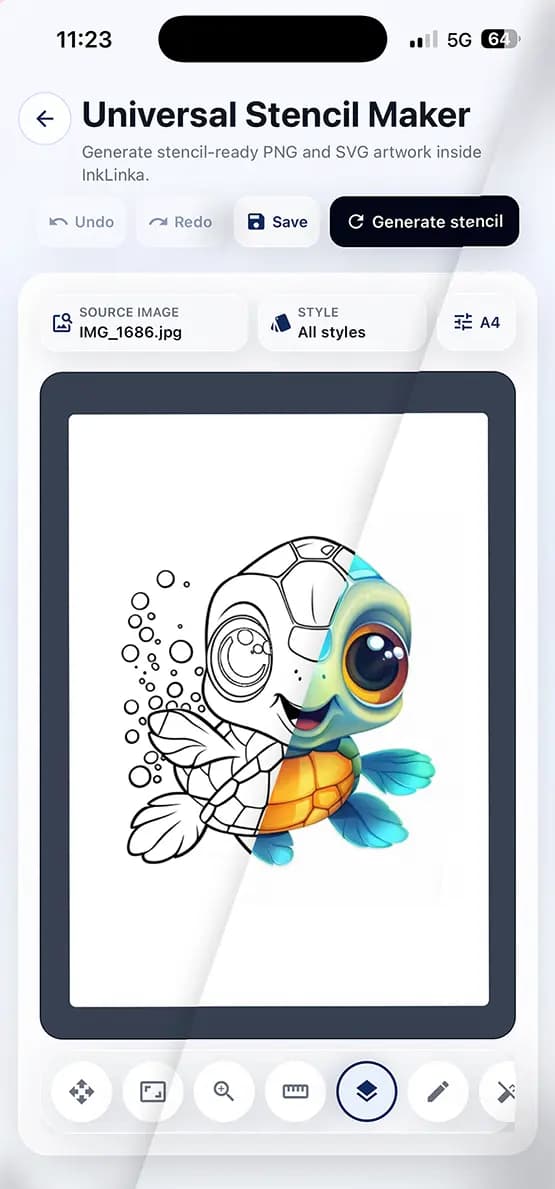
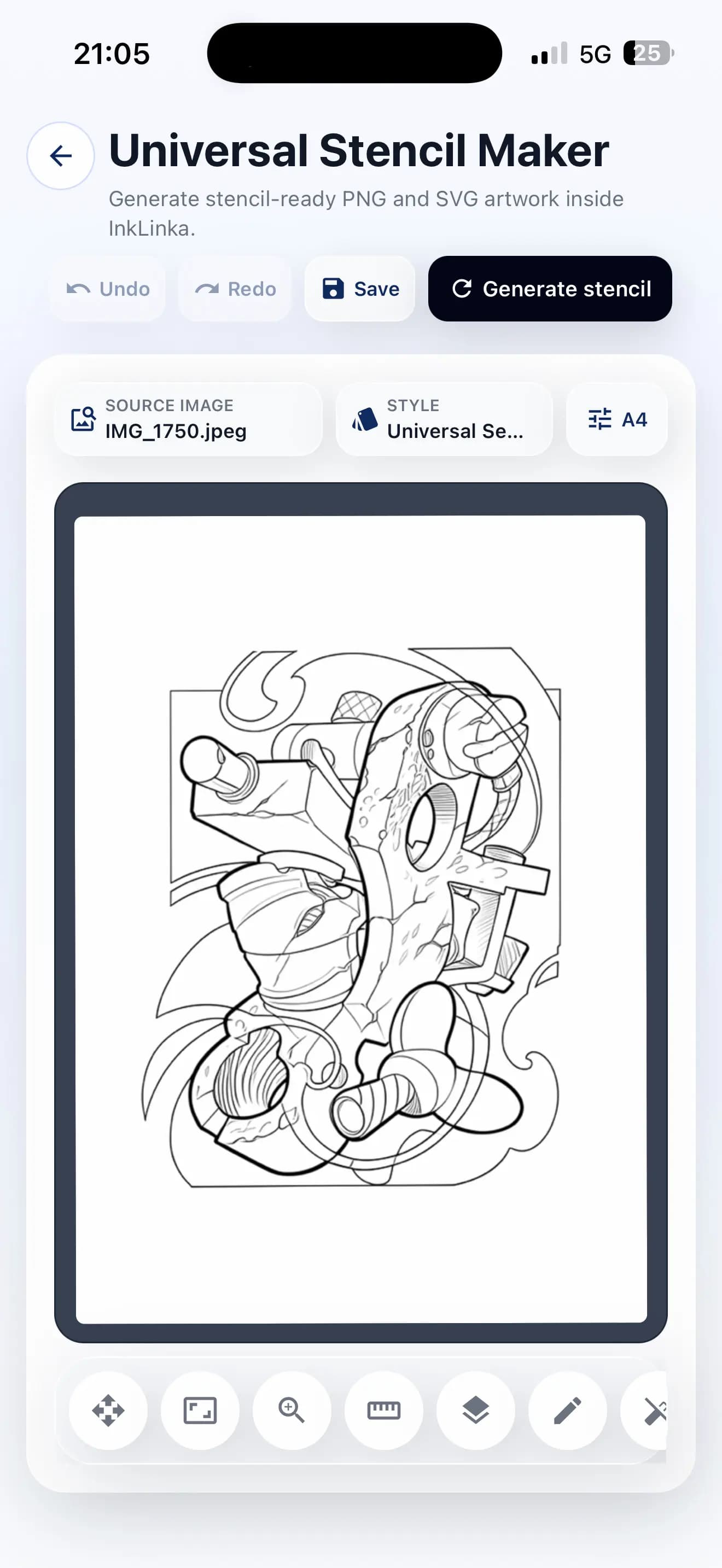
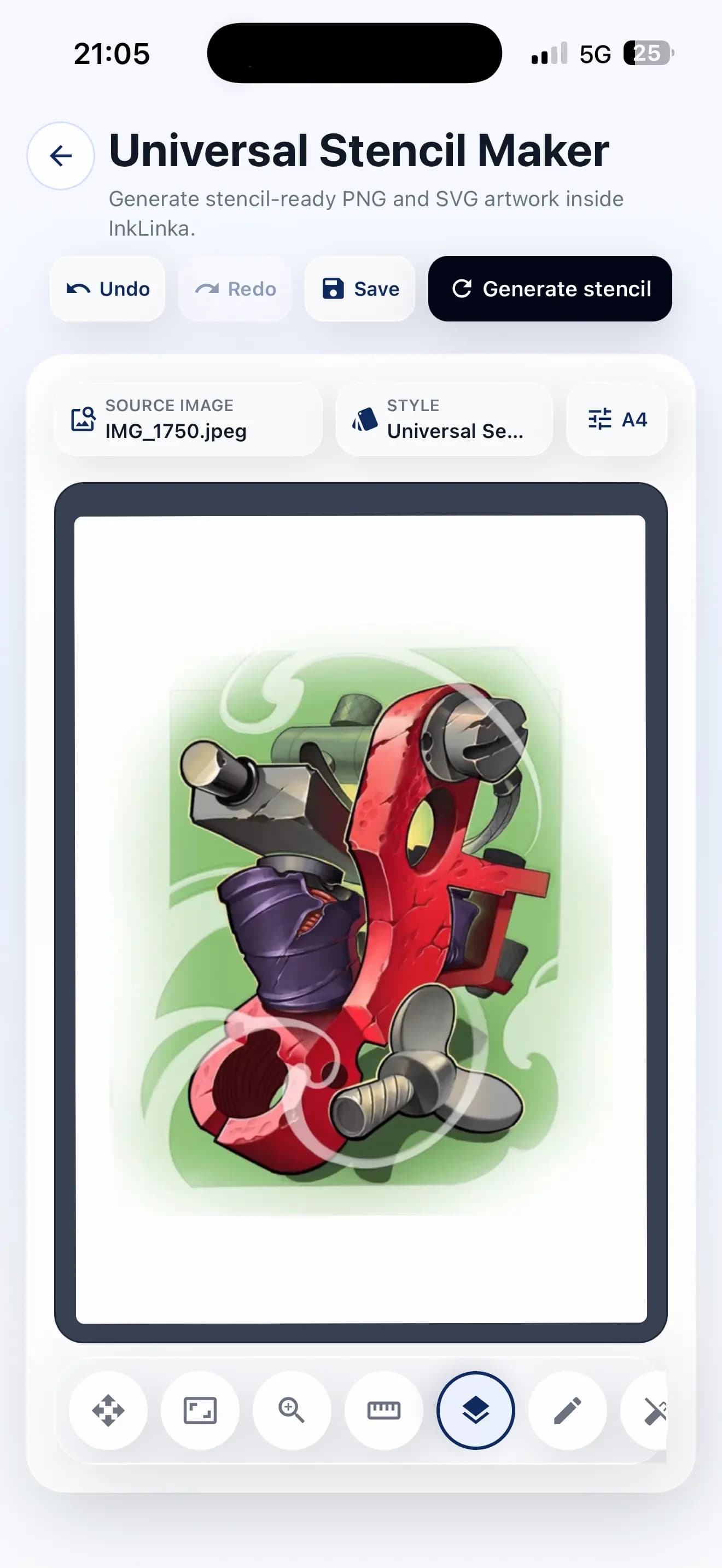
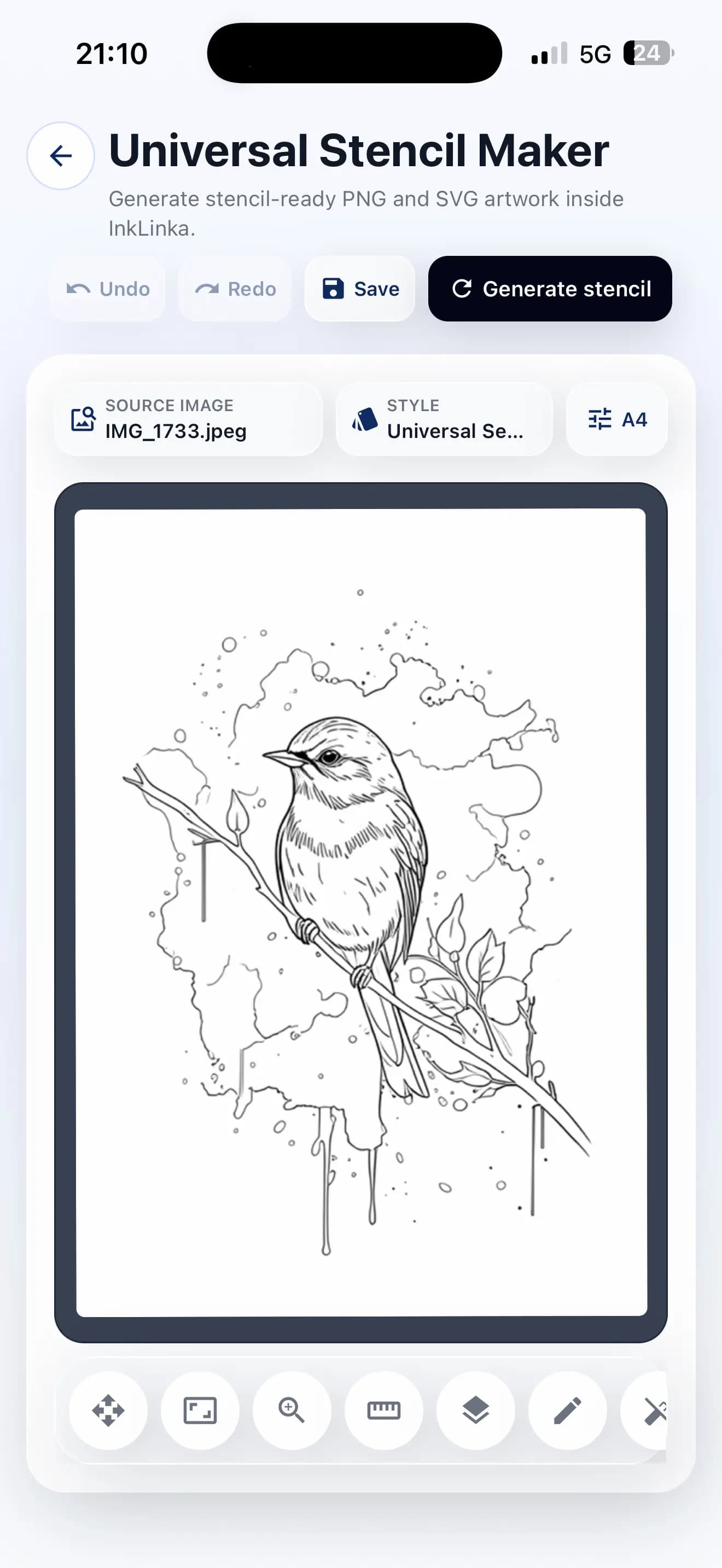
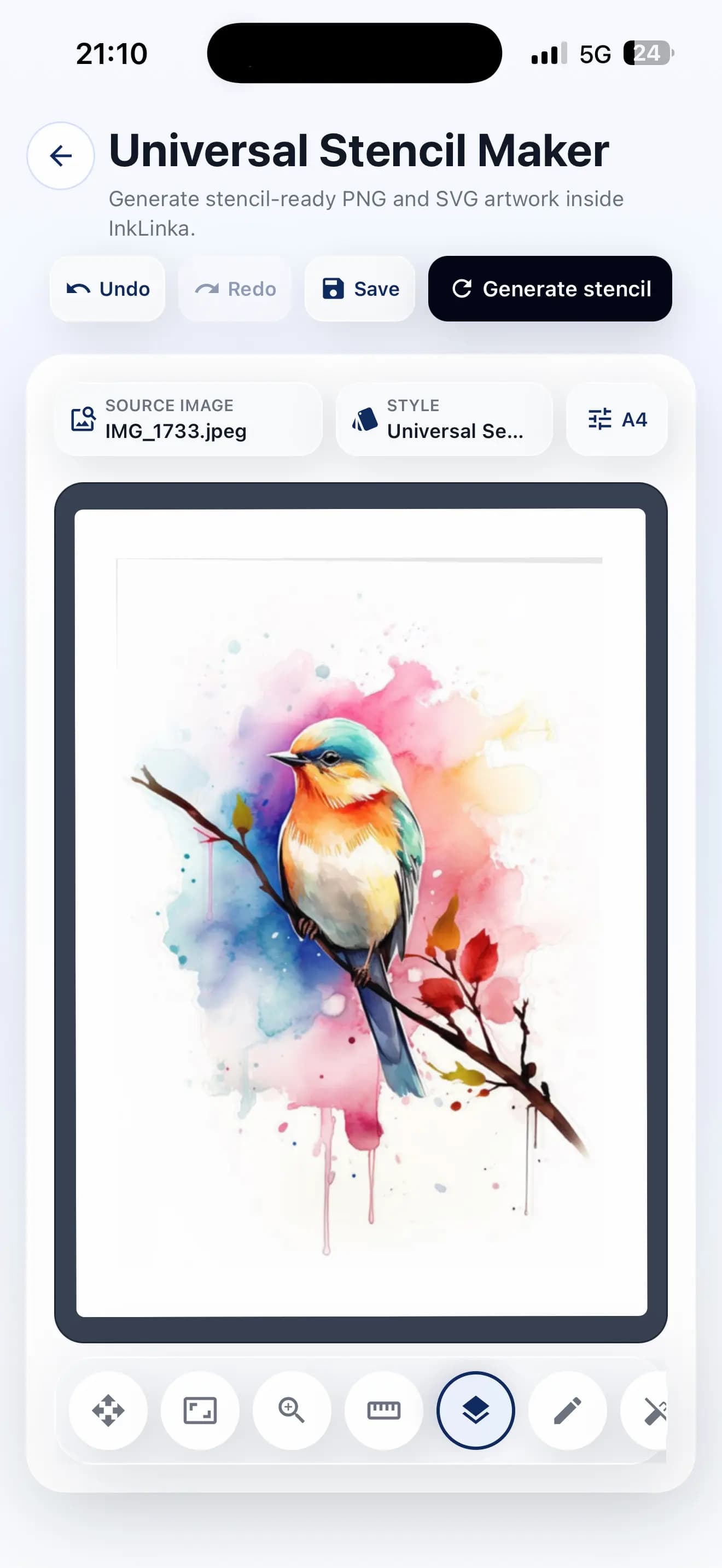
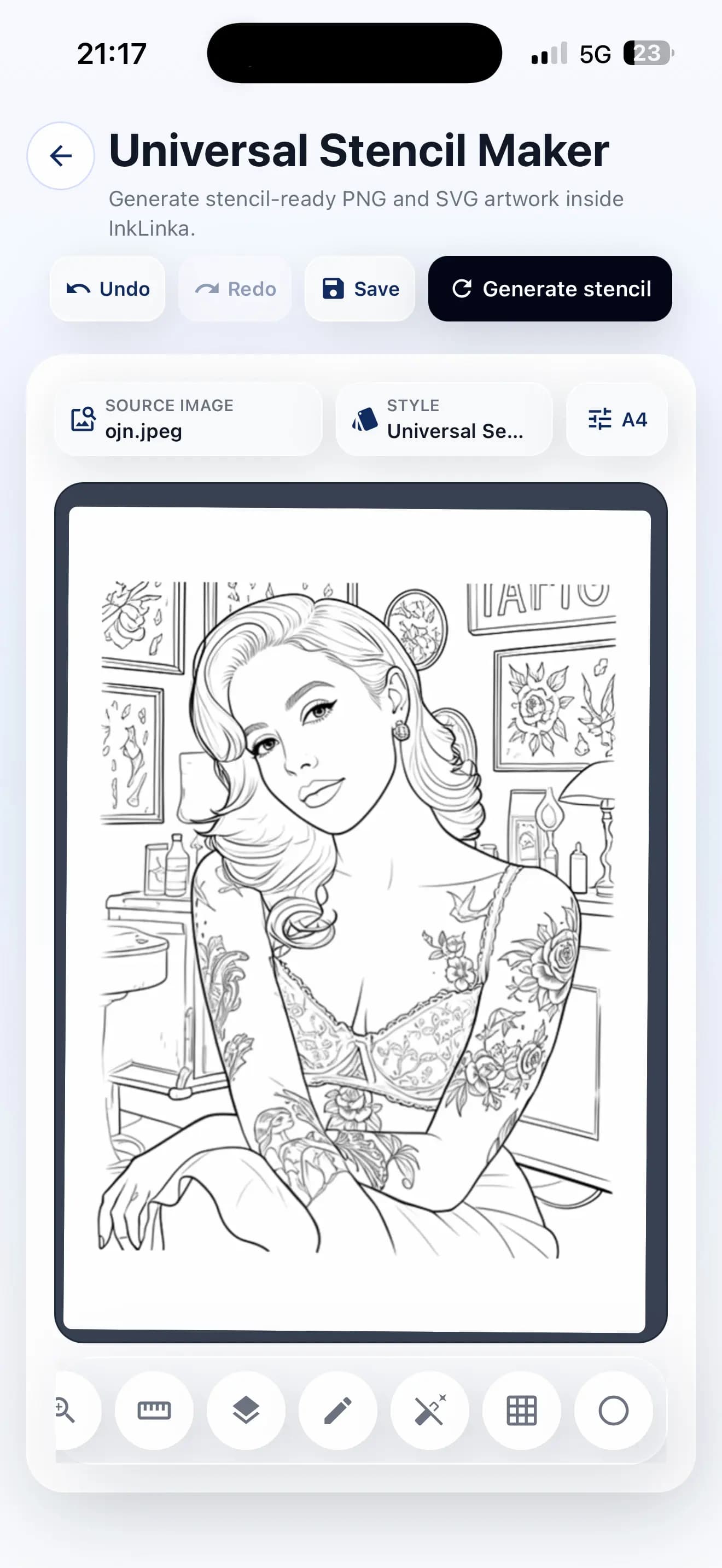
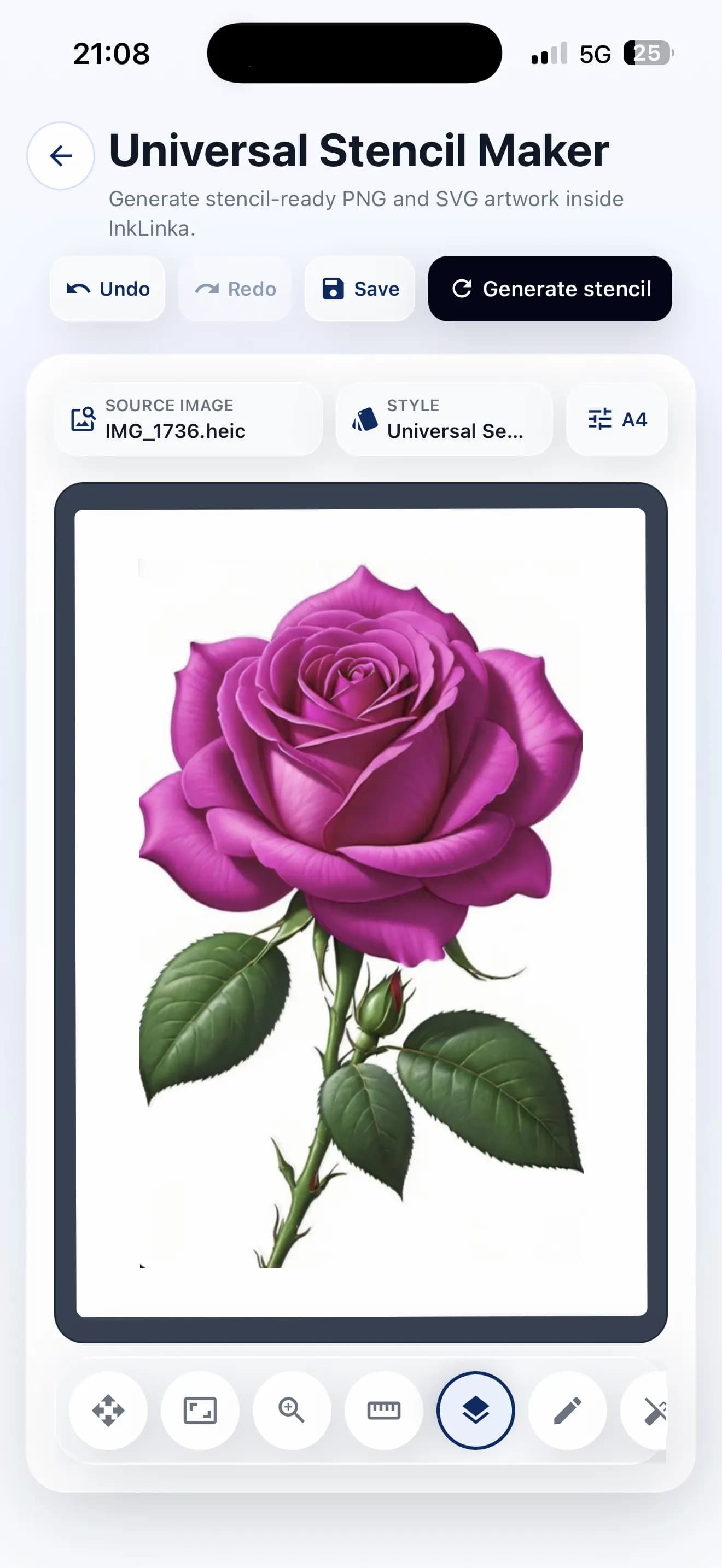
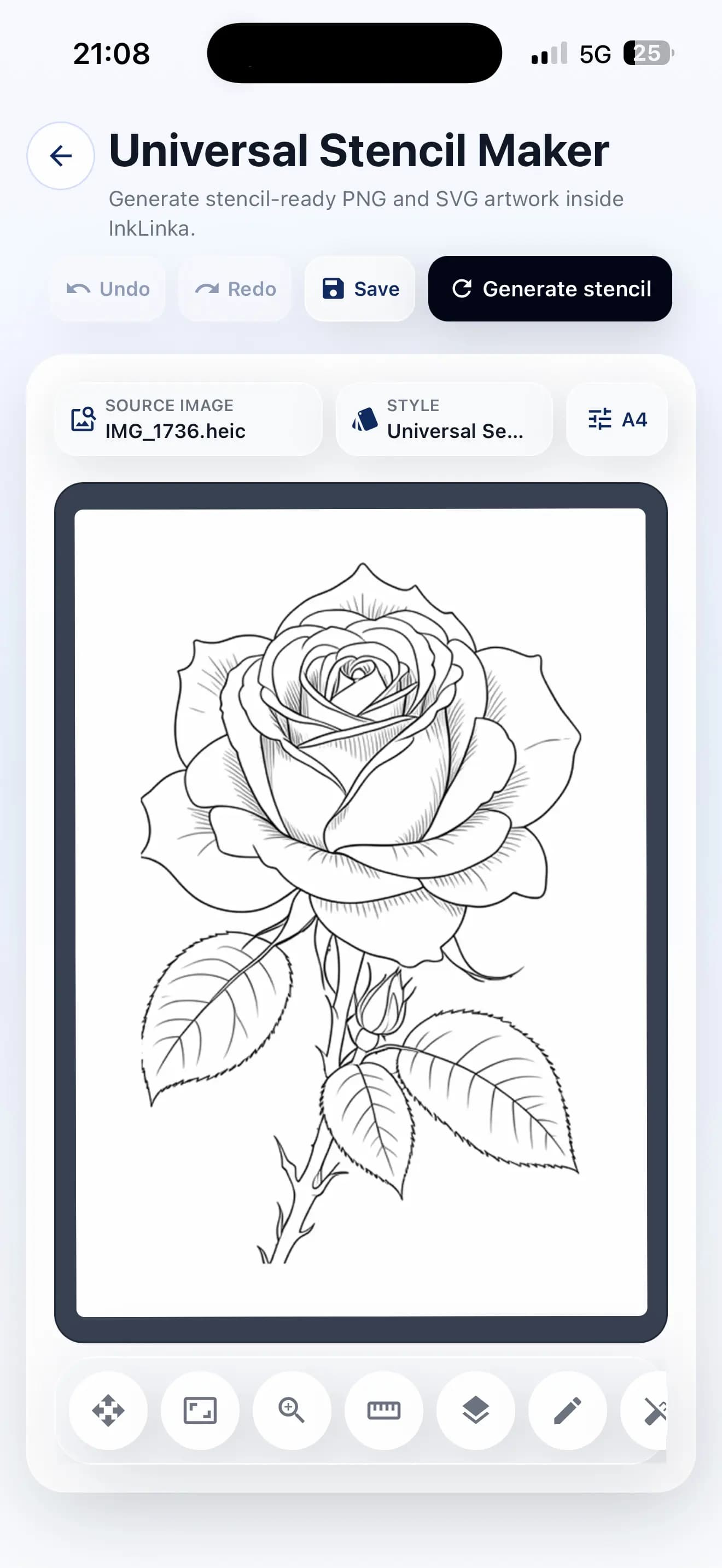
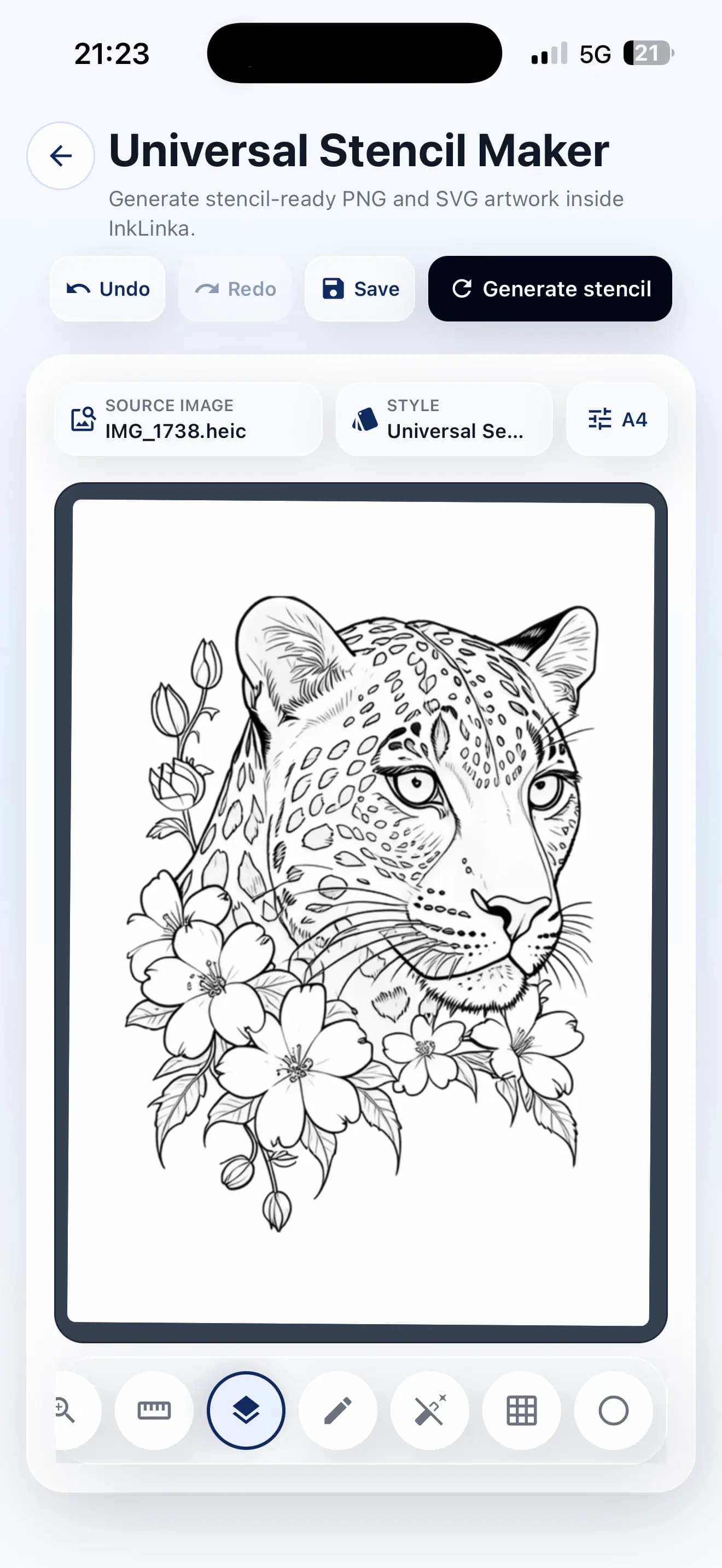
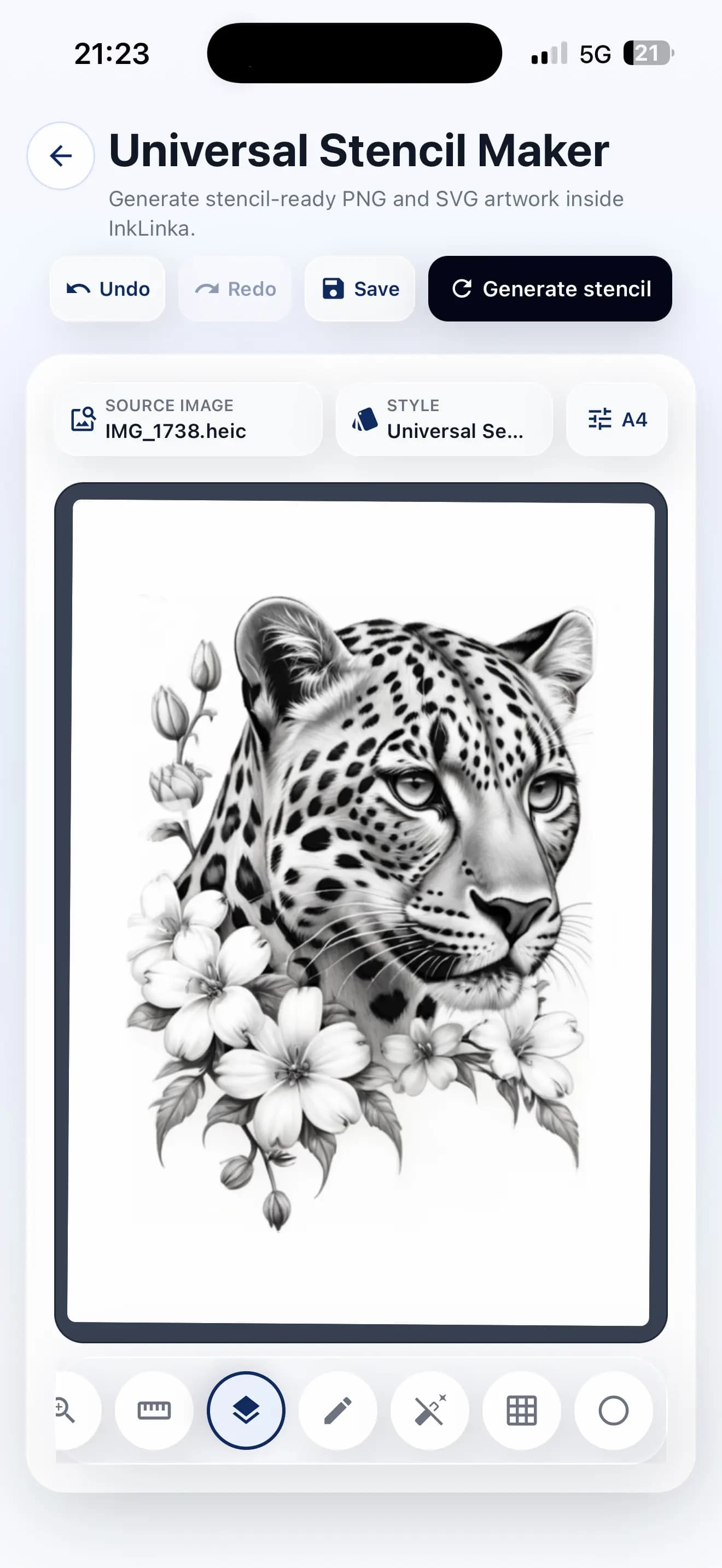
InkLinka tattoo stencil maker turns a photo, flash idea, object or client reference into a clean stencil draft. Refine details, choose the exact size and shape, then print or save the stencil for the session.
Add a portrait, flash sketch, ornament, symbol, object or client inspiration image.
Tap Generate stencil to create a clean AI tattoo stencil draft with readable contours.
Draw missing details, adjust linework, edit the form and set the stencil to an exact millimeter size.
Print the stencil-ready file, export it or save it in session history for reuse.
Monthly capacity
Plans include monthly capacity for generating stencil drafts. Exact production behavior can be connected to usage counters when the tool is live.
Free
60,000
Stencil AI
Basic
150,000
Stencil AI
Pro
300,000
Stencil AI
Expert
500,000
Stencil AI
Start now
Keep stencil creation close to projects, clients, sessions and studio planning instead of spreading preparation across disconnected tools.
FAQ
Upload a reference, tap Generate stencil and get a clean tattoo stencil draft in the same workspace. It is built to shorten daily preparation instead of making clients wait while the artist redraws every contour manually.
Yes. The stencil can be refined after generation: adjust the form, draw missing details, correct linework and set the design to an exact millimeter size before printing or saving.
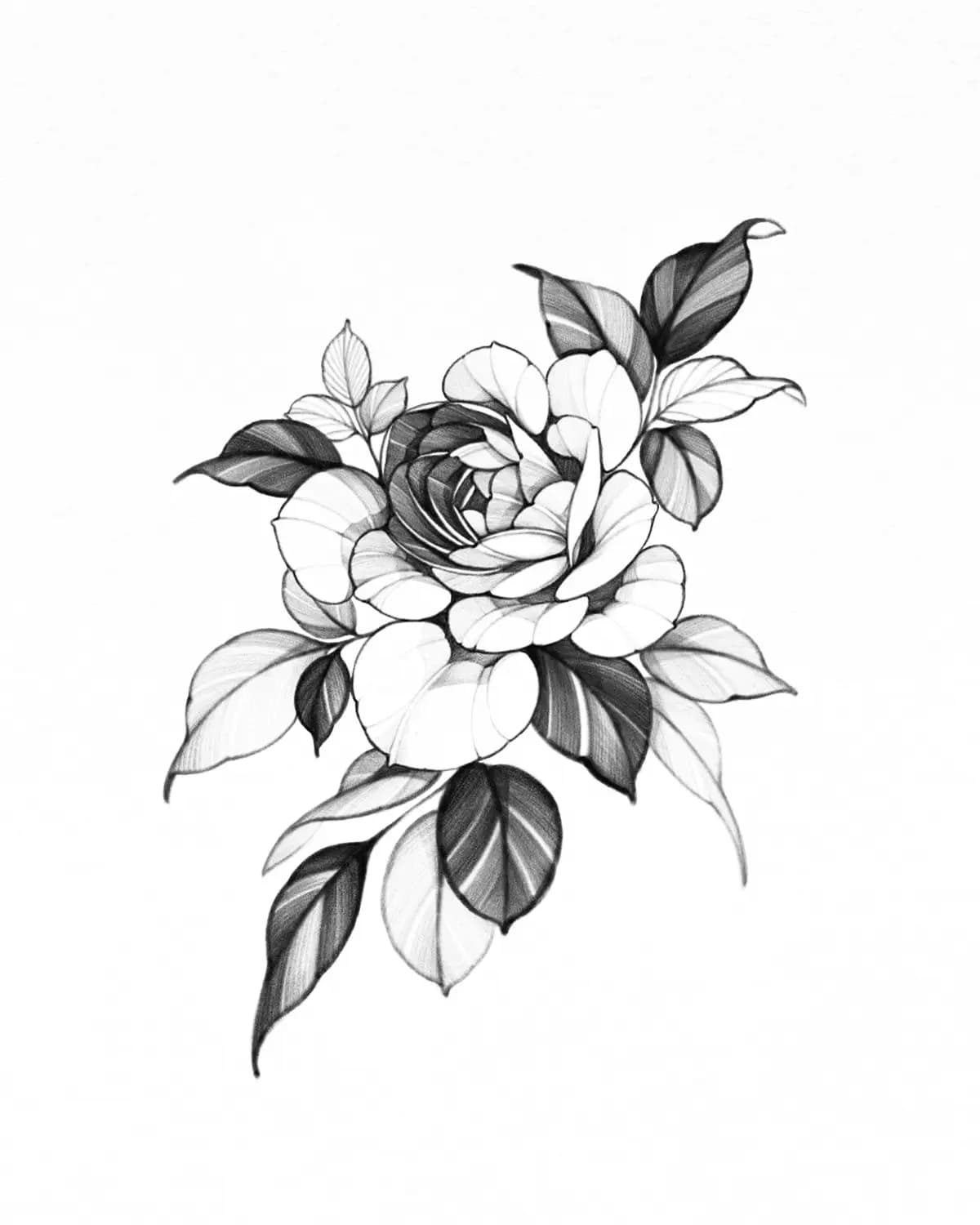
It is designed for a wide range of tattoo references, from graphic linework, lettering and ornamental work to portraits, shaded references and realism. The goal is a cleaner stencil-ready starting point for the artist.
Yes. Universal Stencil Maker is mobile-friendly, so artists can prepare stencils on a phone or tablet in the studio, during a consultation, while traveling or directly at a workstation.
It keeps stencil generation, editing, exact sizing, printing and session history close together. Artists can move from client reference to usable draft faster and spend more time reviewing the final tattoo direction.
Yes. At tattoo conventions, speed and mobility matter. Artists can turn walk-up client ideas into stencil drafts, refine them on a tablet or phone and prepare print-ready files without returning to a full studio setup.